
Cloud Catalog
Browse organized catalog resources from one clean desktop interface.
Built for 3ds Max users
A Windows workflow tool for architects, interior designers, and 3D artists who want faster catalog search, smarter organization, and smoother 3ds Max merging.
Software download
Download the Windows setup, install the software, then message us for trial, license and activation support.
Workflow first
3D Nitesh Master Studio Cloud Pro helps you browse cloud catalog resources, find assets faster, save favorites, manage downloads, and move selected models into 3ds Max with less manual effort.
Features
Browse organized catalog resources from one clean desktop interface.
Search by model type, category, keyword, and project need.
Upload or compare an image to find visually similar model resources.
Manage model downloads and keep your workflow organized.
Save useful resources and return to them quickly during production.
Move selected models into 3ds Max with a smoother workflow.
Top categories
Browse 3 lakh+ catalog resources across 17+ channels, organized for faster 3ds Max workflows.




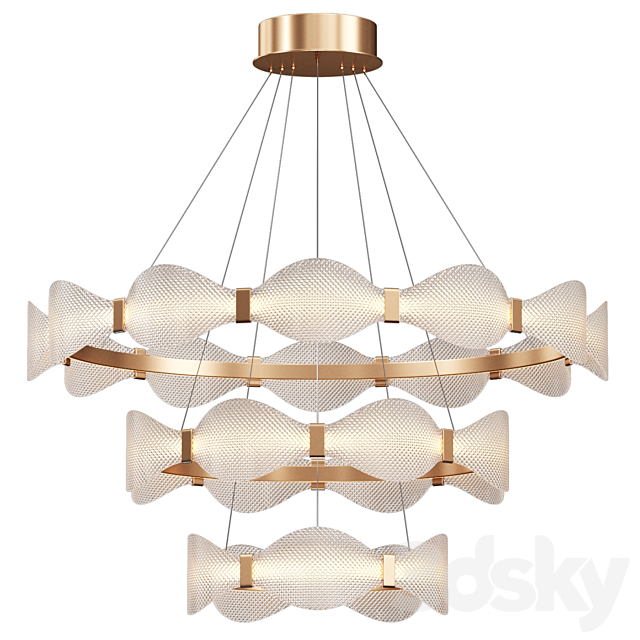
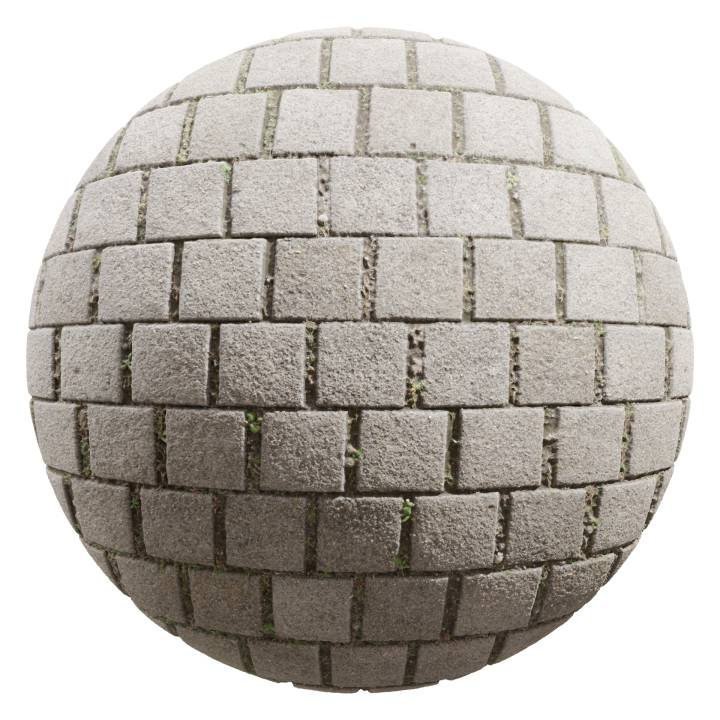
Counts are approximate and may vary as the cloud catalog updates.
3ds Max merge effect
The workflow is built around real production movement: browse the catalog, select a model, download it, and bring it closer to your active 3ds Max scene.
Cloud Pro
Keep model discovery, preview, downloads, favorites, and merge actions closer to your design workflow.
Plans & Pricing
All plans include full catalog access, download manager, favorites, and 3ds Max merge.
₹599 per month
Short-term access for testing and temporary project needs.
₹4,999 per year — best value
Recommended for regular 3ds Max users and professional workflows.
₹6,999 for 2 years
Better value for studios and long-term production users.
₹9,999 for 5 years
Maximum savings for serious professionals and visualization studios.
Trial available
Message us for demo, trial details, activation process, and plan guidance.